How to fix Unidentified Network No Internet errors in Windows 10?
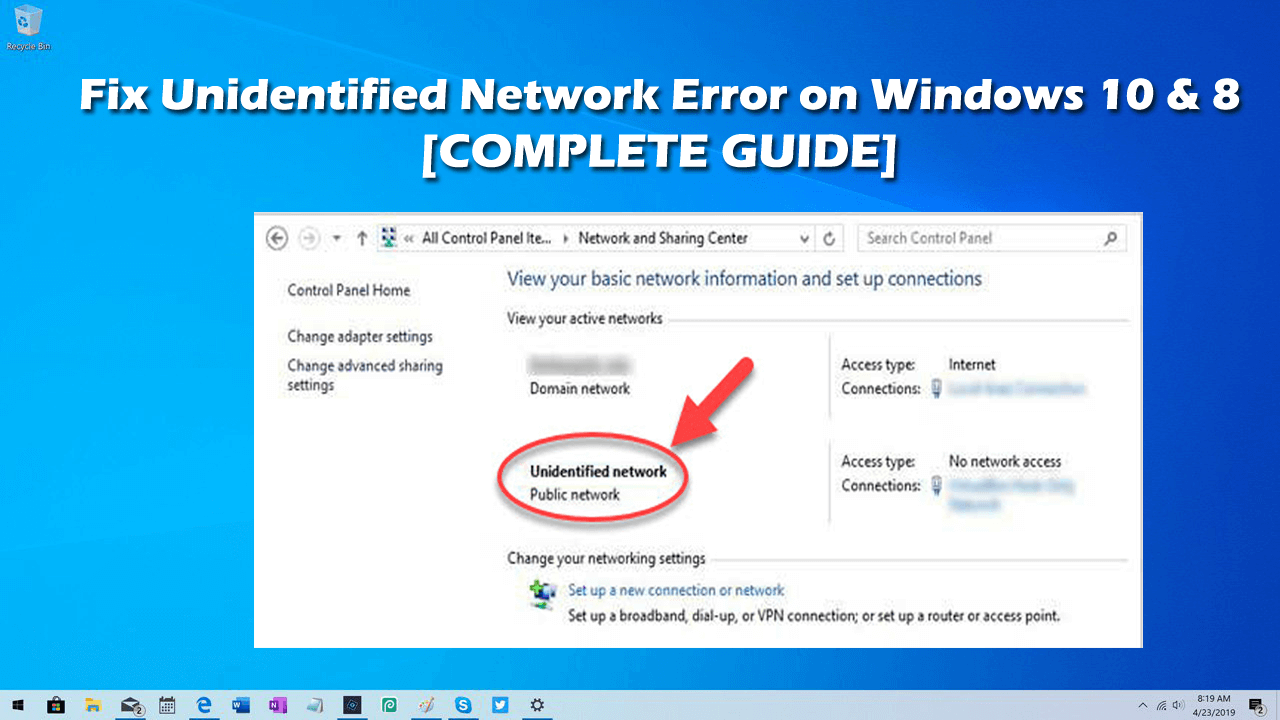
Whether you are using wireless or Ethernet connection in your Windows 10 systems, you may face some network issue which prevents you from connecting to a network. One of the most common issues is "Unidentified Network error." You need to identify the cause of the issue and apply some troubleshooting methods to solve the Unidentified Network or no internet access issue.
Common Causes of the Unidentified Network error
If you do not have a stable internet connection, you will face various issues related to this this problem. Given below are some of the possible causes for Unidentified Network error:
- Windows Update: If you are using an out-dated Window, you may face this network issue. You may experience some issues during the update process, which causes the Unidentified Network error to occur.
- Incorrect IP configuration. Your networks might face some problems while identifying your computer via unique IP addresses due to poor configuration, which leads to multiple issues while connecting to a network and the internet.
- Network settings. Network settings also play a very important role in establishing a connection between your system and the internet. You might face problems while making such connections due to incorrect settings.
- Third-party applications. Sometimes, various third-party applications, such as antivirus solutions, may also cause unidentified network no internet access Windows 10 issue.
Any possible problem can cause this error in your PC. Try to opt for some troubleshooting way to resolve it.
Quick Fix to resolve Unidentified Network errors
To get your network connection once again and to fix this issue on Windows 10, use any of the following methods to troubleshoot the issue:
Method 1: Turn off Flight Mode
Your Windows 10 system has a Flight mode that you might have left on. Turning this Flight mode off can help you to fix Network connection issues. For this, follow the steps given below:
- Click on the network icon present in the bottom-right corner of your taskbar. Click on the nearby upwards arrow to see hidden items.
- Check if Flight mode is on. If so, click on the Flight mode icon again for turning it off.
- Reconnect to your network and check if the issue is resolved.
Method 2: Run the Windows Troubleshooter
To resolve network issues such as the Unidentified Network error, you can use the built-in feature of Windows 10, i.e., network troubleshooter.
- Press Windows + I keys shortcut to open the Settings app.
- Choose Network & Internet options.
- Select the Status tab from the left navigation pane.
- Click on the Network troubleshooter
Your troubleshooter may take some time to detect issues. Once done, follow the on-screen instructions to resolve it.
Method 3: Reboot your router and modem
If you are using any router and modem to have an internet connection, restart them to ensure that the issue is with your network. Follow the steps given below to restart these devices:
- First of all, unplug your router and modem and wait for at least 30 seconds.
- Plug your modem or manually press the Power button to turn it on.
- Wait till your modem reconnects to the internet and authenticate your IP address and internet provider.
- Now, manually turn on the router and wait for few minutes.
When both your router and modem are reconnected, check if the Unidentified Network issue is solved.
Method 4: Temporarily disable your antivirus
Any third-party application present in your system may interfere with your settings and may cause some issues. You can turn off these apps by following the below-given steps:
- Right-click on an empty space of your taskbar and choose Task Manager.
- Navigate to the Start-up tab appearing on the top of the window.
- Select your antivirus application and click on the Disable button.
- Restart your system and reconnect to your network.
If the issue still exists, it means your antivirus app is not responsible for your network connection issue. In such a case, you can enable it again by selecting the Enable as done in the above steps. You can also Renew your IP address and flush your DNS cache to solve network errors.
Also Read:
How To fix “We couldn’t complete the updates Undoing changes” Problem in Windows 10
Further reading
Further Reading
Article
Visual Communication Design vs Graphic Design: Key Differences Between the Two Disciplines
Design has been at the centre of our perception of information, brands and entertainment in the world that is now digital first. Whether you browse social media, watch YouTube videos, or pass a billboard, you probably have encountered both visual communication design and graphic design, yet most likely, you were not aware of the distinction between the two. Although these two fields are closely related and in many instances overlap, they have different purposes and require di
July 21, 2025
Article
Dr. Ann Marie Egloff Provides A Step-by-Step Guide for Starting Your Philanthropic Journey
Dr. Ann Marie Egloff understands that engaging in philanthropy isnât about just donating funds; itâs about the values and intention behind that action. Whether youâre donating money, volunteering time, or sharing your skills, giving back can take many forms and fit into any lifestyle. According to Dr. Ann Marie Egloff, the most rewarding experiences often come from aligning your efforts with causes that resonate personally. By clarifying your motivations, setting though
May 27, 2025
Article
Why Guitar Lessons Are the Key to Mastering the Instrument
Learning to play the guitar is an exciting and rewarding experience. Whether you’re a complete beginner or have been playing for years, guitar lessons can help you unlock your full musical potential and take your skills to the next level. But what exactly do guitar lessons offer, and how can they benefit you? Let’s dive in! 1. A Structured Learning Path One of the biggest advantages of taking guitar lessons is the structure they provide. While it’s easy to get lost in the s
February 1, 2025
Article
Why Choose a CBSE School? Key Insights for Parents
SVPT Saraswati School is widely regarded as one of the Best CBSE Schools in Thane, offering a holistic and well-rounded education that goes beyond academics. Situated in a peaceful and conducive learning environment, this institution provides a blend of modern infrastructure, dedicated faculty, and extracurricular activities, ensuring that students develop both academically and personally. A Legacy of Excellence in Education:rnSVP Saraswati School has built a reputation over
November 26, 2024