SSD users must see: 7 big usage secrets of Solid-State Drive!
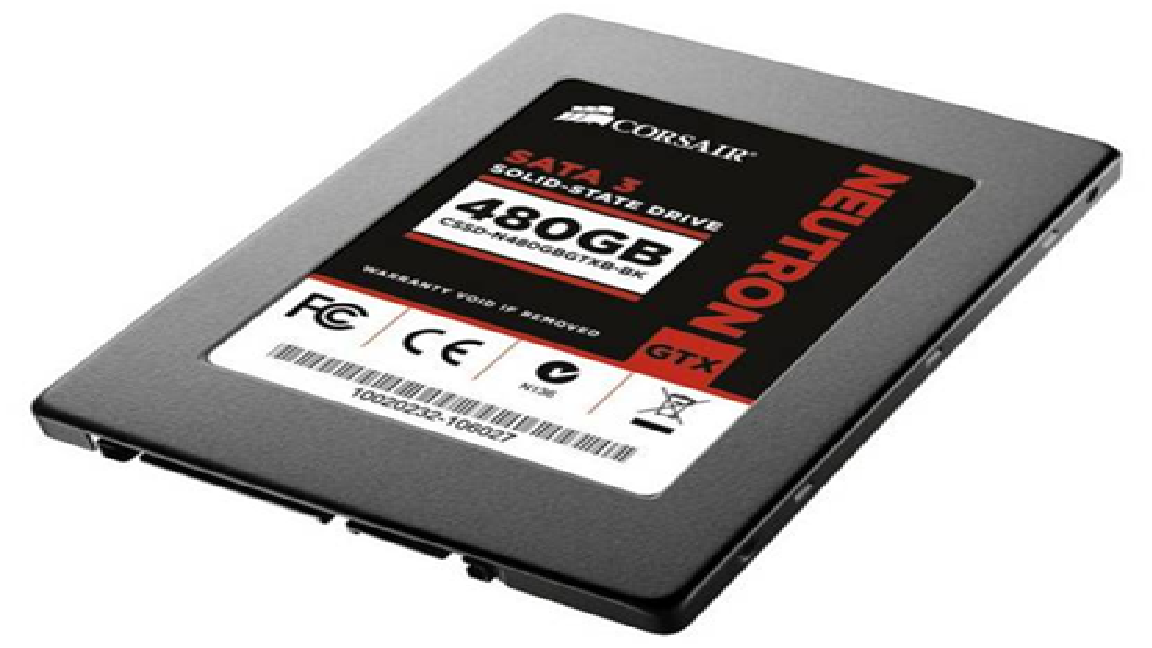 rnChoosing SSD as the main hard drive is a trend for PC users. Compared with HDD, the SSD solid-state drives have obvious advantages.
Although SSD hard drives are nothing new, they represent the direction of PC performance storage development, and it is a wise choice to buy an SSD to improve your computer overall performance. In order to improve the speed, many users are worried about “what should I do when SSD hard drive gets slower after a while?”Therefore, their primary job now is to learn how to optimize the performance of SSD.
Undoubtedly, if the right method is used to properly optimize SSD performance, it can not only increase performance speed but also extend its lifespan, enhance its safety and continuity. However, when put in use, there are some feedbacks from PC users. After optimizing the SSD hard disk, they did not experience the fast speed, instead, it is slower than before. Why? I am going to tell you a few secrets that you do not know!
Secret 1: Be cautious when using third-party optimization tools
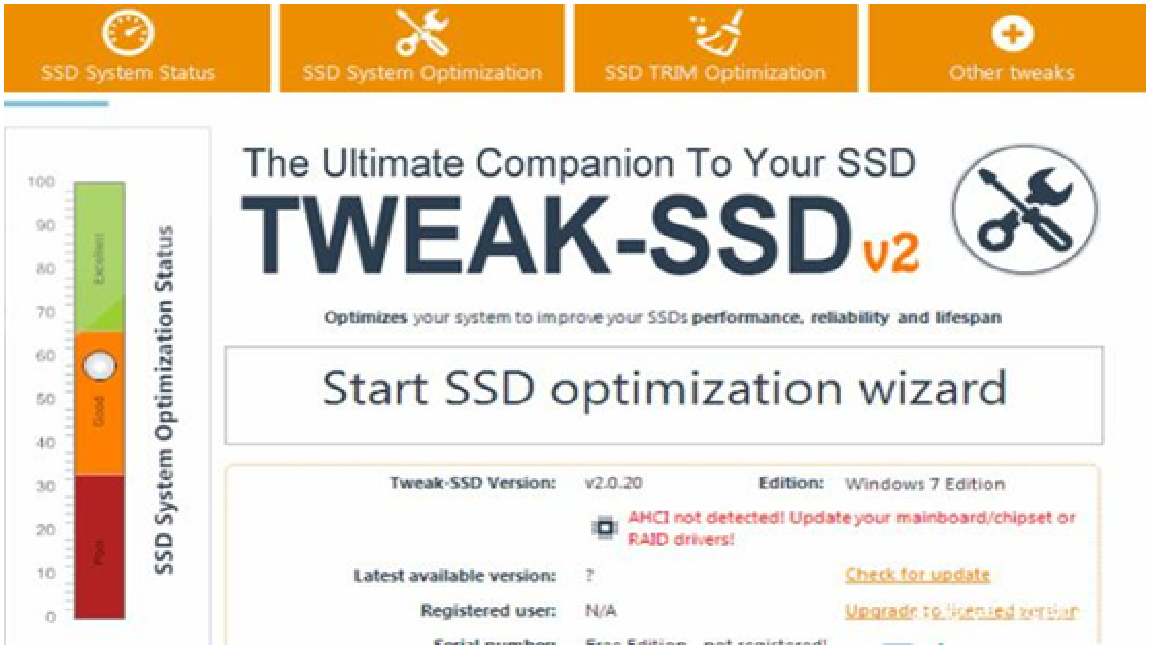
There are many tools for SSD optimization on the internet, such as SSDFresh, Tweak-SSD, AS SSD and many other PC optimization software that integrate SSD optimization. Theoretically, this SSD optimization software can increase performance speed to some extent. But users need to set it up reasonably first, otherwise, it will have side effects. Secondly, if it is a test version of the software that needs to be paid, the effect is almost none.
rnChoosing SSD as the main hard drive is a trend for PC users. Compared with HDD, the SSD solid-state drives have obvious advantages.
Although SSD hard drives are nothing new, they represent the direction of PC performance storage development, and it is a wise choice to buy an SSD to improve your computer overall performance. In order to improve the speed, many users are worried about “what should I do when SSD hard drive gets slower after a while?”Therefore, their primary job now is to learn how to optimize the performance of SSD.
Undoubtedly, if the right method is used to properly optimize SSD performance, it can not only increase performance speed but also extend its lifespan, enhance its safety and continuity. However, when put in use, there are some feedbacks from PC users. After optimizing the SSD hard disk, they did not experience the fast speed, instead, it is slower than before. Why? I am going to tell you a few secrets that you do not know!
Secret 1: Be cautious when using third-party optimization tools
There are many tools for SSD optimization on the internet, such as SSDFresh, Tweak-SSD, AS SSD and many other PC optimization software that integrate SSD optimization. Theoretically, this SSD optimization software can increase performance speed to some extent. But users need to set it up reasonably first, otherwise, it will have side effects. Secondly, if it is a test version of the software that needs to be paid, the effect is almost none.
 rnTherefore, it is recommended that if you want to use software to optimize SSD hard drives, you should choose official software, such as Intel SSD Toolbox, which is an official SSD software launched by Intel convenient for users to optimize SSD regularly and maintain the performance of SSD. If your PC platform uses Intel motherboard chipset, it is understandable to choose the Intel SSD Toolbox as the optimization software. Of course, you can also choose professional SSD optimization software launched by manufacturers. For example, Galaxy, Toshiba, Kingston, and SanDisk all have their own SSD-specific optimization tools.
Secret 2: Use less hard drive detection software
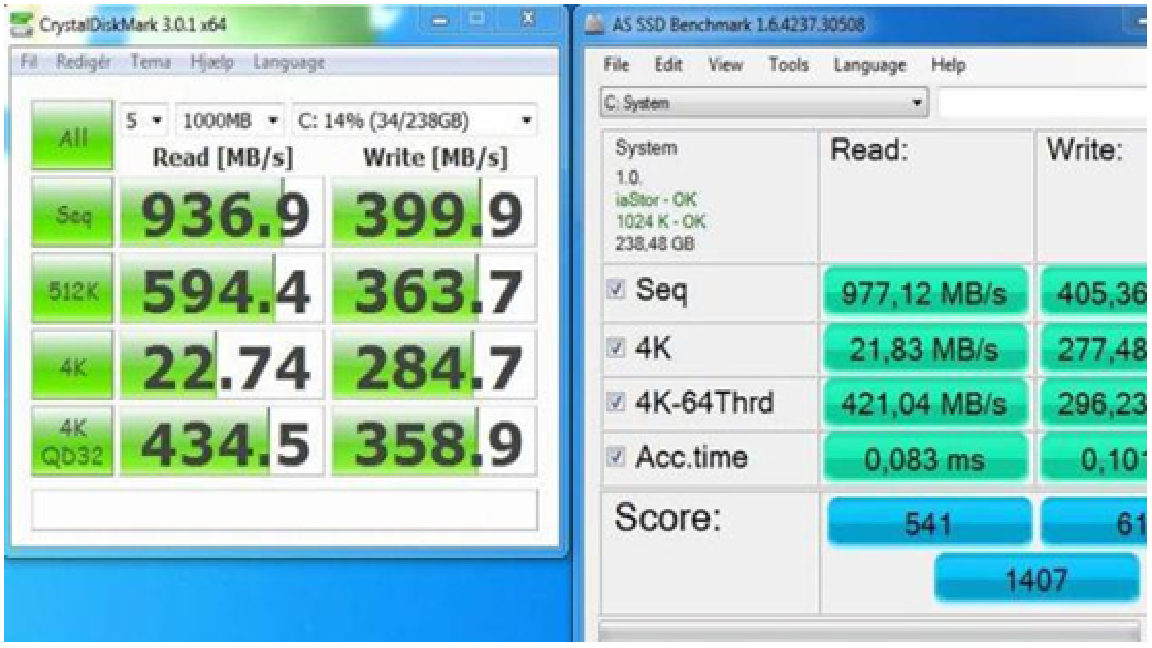
There are many articles on the Internet that teach you how to choose SSD hard drive. One of the methods is to test the SSD hard disk. Therefore, many users will search for various hard drive detection tools, such as HDTune, ATTO Disk, CrystalDiskMa, AS SSD, CrystalDisklnfo and so on. This is a big mistake because it is not good for the health of SSD that SSD hard drives are often tested for performance read and write. So, we do not recommend using software to detect SSD hard drives. In fact, if you purchase a brand SSD hard drive through formal channels, it will include good quality warranty services. If anything goes wrong with the SSD, it can be refunded or changed for free within the time of the warranty!
rnTherefore, it is recommended that if you want to use software to optimize SSD hard drives, you should choose official software, such as Intel SSD Toolbox, which is an official SSD software launched by Intel convenient for users to optimize SSD regularly and maintain the performance of SSD. If your PC platform uses Intel motherboard chipset, it is understandable to choose the Intel SSD Toolbox as the optimization software. Of course, you can also choose professional SSD optimization software launched by manufacturers. For example, Galaxy, Toshiba, Kingston, and SanDisk all have their own SSD-specific optimization tools.
Secret 2: Use less hard drive detection software
There are many articles on the Internet that teach you how to choose SSD hard drive. One of the methods is to test the SSD hard disk. Therefore, many users will search for various hard drive detection tools, such as HDTune, ATTO Disk, CrystalDiskMa, AS SSD, CrystalDisklnfo and so on. This is a big mistake because it is not good for the health of SSD that SSD hard drives are often tested for performance read and write. So, we do not recommend using software to detect SSD hard drives. In fact, if you purchase a brand SSD hard drive through formal channels, it will include good quality warranty services. If anything goes wrong with the SSD, it can be refunded or changed for free within the time of the warranty!
 Secret 3: There is no need to set up RAID
It is not recommended to set up RAID unless it is necessary, because this will make it lose the Trim function, which to a certain extent, will affect the performance of the disk. In general, it is unnecessary to set up RAID operation for SSD in order to make the result of continuous read and write performance look good.
Secret 4: Do not use SSD as a download disk
Many users think that the SSD hard disk can read and write fast. When downloading data, they set the download and save target at the SSD disk, but such frequent writing will affect the lifespan of the SSD.SSD is not recommended as a download disk. However, you can install the downloaded software (Thunder) in the SSD, so the speed of running such software will be significantly improved.
Secret 5: Do not use SSD as a storage diskrnAlthough SSDs are getting cheaper and cheaper with bigger capacity, their capacity is still very small compared with traditional mechanical hard drives. After all, the capacity of traditional mechanical hard drives starts with 1TB, while the mainstream capacity of SSD is only 500GB. Therefore, for SSD hard drives, it is important to learn how to optimize space rationally. It is recommended that users regularly use software to clean up unnecessary cache files and system garbage, and make sure the SSD always has some reserved space, so it can bring many advantages to maintain the performance of SSD.
Secret 6: SSD is not a "Darling Daughter"
Due to the differences in structure, the lifespan of SSD has a certain gap with the traditional mechanical hard drive. Therefore, some users pursue the idea of “read-only and no writing” who only store the exchange and cache files of the system and software in the mechanical hard disk. Although it is good for SSD health, the performance of the SSD cannot be reflected if you move the cache files.Because the SSD was originally created to handle the delay of reading and writing a lot of fragmented files. Moreover, the brand SSD hard drives have firm quality warranty, the durability of the drive is still reassuring.
Secret 7: There is no need to worry too much about data security
Some users are so worried about the security of SSD in storing data, but in fact, it is not necessary. In Generally, it is not common for SSD to have any problem, and the files in the disk can still be read after most SSD problems occur. Of course, business people still need to be cautious about some important documents and data. As long as they did a backup job, there is no problem.
Secret 3: There is no need to set up RAID
It is not recommended to set up RAID unless it is necessary, because this will make it lose the Trim function, which to a certain extent, will affect the performance of the disk. In general, it is unnecessary to set up RAID operation for SSD in order to make the result of continuous read and write performance look good.
Secret 4: Do not use SSD as a download disk
Many users think that the SSD hard disk can read and write fast. When downloading data, they set the download and save target at the SSD disk, but such frequent writing will affect the lifespan of the SSD.SSD is not recommended as a download disk. However, you can install the downloaded software (Thunder) in the SSD, so the speed of running such software will be significantly improved.
Secret 5: Do not use SSD as a storage diskrnAlthough SSDs are getting cheaper and cheaper with bigger capacity, their capacity is still very small compared with traditional mechanical hard drives. After all, the capacity of traditional mechanical hard drives starts with 1TB, while the mainstream capacity of SSD is only 500GB. Therefore, for SSD hard drives, it is important to learn how to optimize space rationally. It is recommended that users regularly use software to clean up unnecessary cache files and system garbage, and make sure the SSD always has some reserved space, so it can bring many advantages to maintain the performance of SSD.
Secret 6: SSD is not a "Darling Daughter"
Due to the differences in structure, the lifespan of SSD has a certain gap with the traditional mechanical hard drive. Therefore, some users pursue the idea of “read-only and no writing” who only store the exchange and cache files of the system and software in the mechanical hard disk. Although it is good for SSD health, the performance of the SSD cannot be reflected if you move the cache files.Because the SSD was originally created to handle the delay of reading and writing a lot of fragmented files. Moreover, the brand SSD hard drives have firm quality warranty, the durability of the drive is still reassuring.
Secret 7: There is no need to worry too much about data security
Some users are so worried about the security of SSD in storing data, but in fact, it is not necessary. In Generally, it is not common for SSD to have any problem, and the files in the disk can still be read after most SSD problems occur. Of course, business people still need to be cautious about some important documents and data. As long as they did a backup job, there is no problem.Further reading
Further Reading
Article
Enhance Your Gadgets with High-Quality Accessories from ThePoojaElectronics
In todayâs digital world, electronic gadgets have become an essential part of our daily lives. Whether itâs a television, home theater system, or set-top box, having the right accessories ensures a seamless experience. ThePoojaElectronics is a trusted name when it comes to premium-quality remotes, power adapters, cables, and other electronic accessories. Why Choose ThePoojaElectronics? Wide Range of Products â ThePoojaElectronics offers an extensive selection of remotes
April 1, 2025
Article
Cash Home Buyer in Sacramento: A Convenient Solution for Homeowners
Cash Home Buyer in Sacramento: A Convenient Solution for HomeownersrnSelling a home can be an overwhelming and time-consuming process. From preparing the property for listing to waiting for offers and navigating complex negotiations, the traditional route of selling a house often comes with significant challenges. However, in Sacramento, a growing number of homeowners are turning to cash home buyers as a faster, simpler, and more reliable solution to sell their homes quickly
January 10, 2025
Article
Cash Home Buyer in Sacramento: A Convenient Solution for Homeowners
Cash Home Buyer in Sacramento: A Convenient Solution for HomeownersrnSelling a home can be an overwhelming and time-consuming process. From preparing the property for listing to waiting for offers and navigating complex negotiations, the traditional route of selling a house often comes with significant challenges. However, in Sacramento, a growing number of homeowners are turning to cash home buyers as a faster, simpler, and more reliable solution to sell their homes quickly
January 10, 2025
Article
5 Dangerous IPL Team For 2025
As the Indian Premier League (IPL) gears up for its 2025 season, the anticipation among cricket enthusiasts is palpable. The recent mega auction has reshaped team rosters, with franchises making strategic acquisitions to bolster their squads. Based on current analyses and squad compositions, here are the top five teams poised to make a significant impact in IPL 2025: 1. Royal Challengers Bangalore (RCB) RCB has historically been a team brimming with star power, and the 2025 s
December 20, 2024